Equipment
The hardware I install — matched to how your business runs.
Your terminal is the last thing standing between you and getting paid, so it needs to be reliable,
fast, and the right fit for your counter, your floor, or your truck. These are the devices I can
place — listed as options, not rankings, because every business is unique. We learn how your
operation runs in discovery, then match the hardware to it.
On the Counter
Countertop terminals for a fixed checkout.
Reliable, plug-in devices for a set register or checkout lane. Fast, familiar, and built to run all
day, every day.
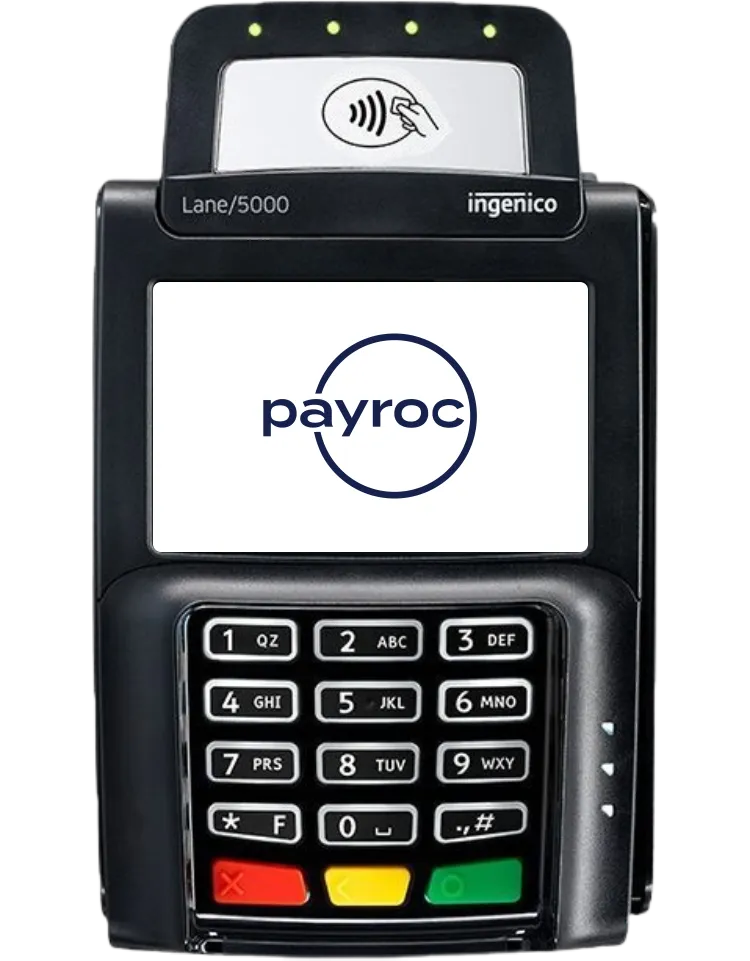
Countertop PIN Pad
Lane 5000
The classic countertop terminal — compact, dependable, and quick to learn. A 3.5" color
touchscreen handles chip, tap, and swipe, and it wires straight into your setup.
- 3.5" color touchscreen
- EMV chip, NFC contactless, and magstripe
- Bluetooth, Ethernet, and Wi-Fi
- Compact footprint for a tight counter
Get started with the Lane 5000
Countertop
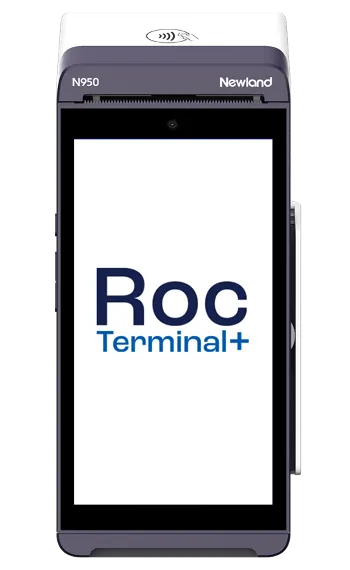
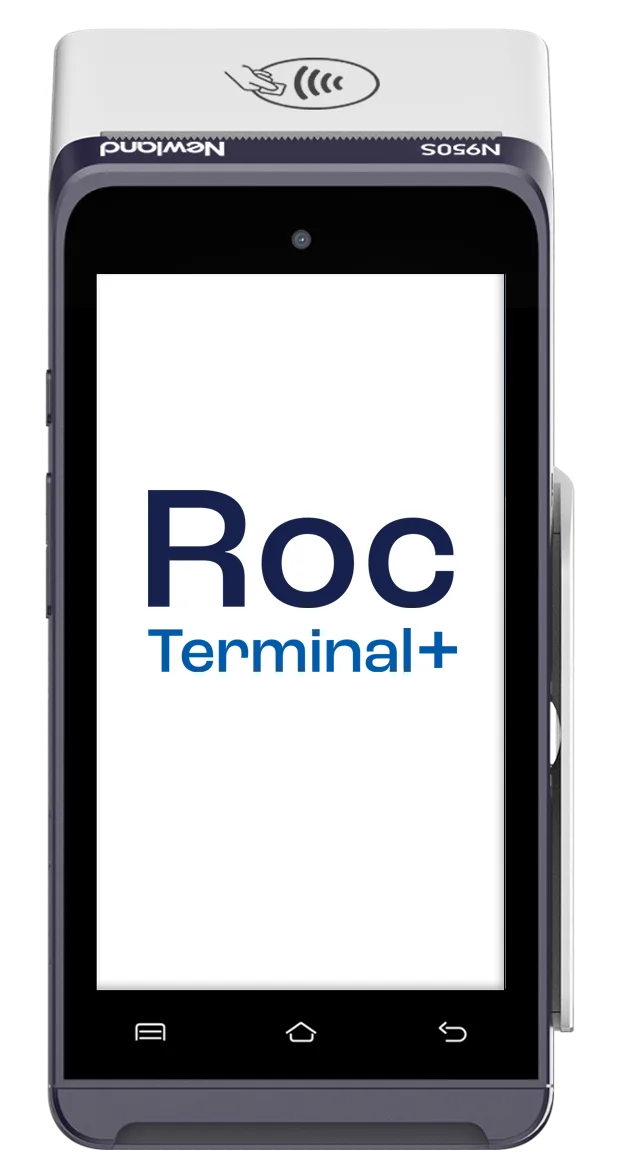
Newland N950-S
The countertop sibling of the N950 handheld — the same familiar Android interface, built to sit
at a fixed checkout. Stable, reliable, and easy for staff to pick up.
- 5" touchscreen, Android-based
- Built for a fixed, high-use checkout
- Chip, contactless, and magstripe
- Ethernet and Wi-Fi connectivity
Get started with the N950-S
Dual-Screen
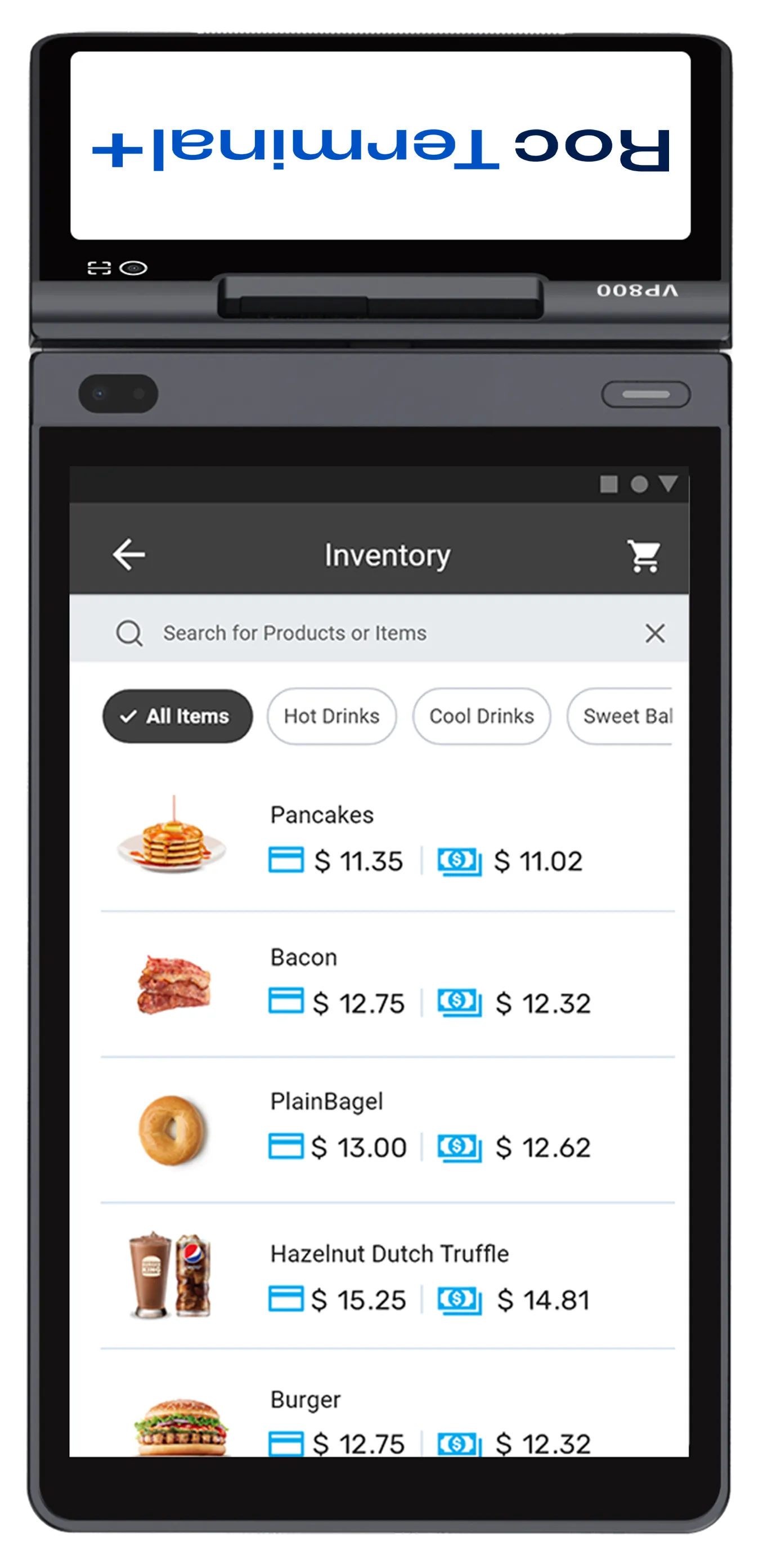
Newland X800
A dual-screen countertop system — an 8" screen facing you and a 5" screen facing the customer.
The customer display handles tip prompts, order confirmation, and payment.
- 8" merchant screen + 5" customer display
- Customer-facing prompts, tips, and confirmation
- Chip, contactless, and magstripe
- Wi-Fi and 4G connectivity
Get started with the X800
Clover Stations via Payroc
The Clover lineup — same software, different places payment happens.
Every Clover device runs the same software; the choice is about form factor — screens, printer,
and where the payment moment happens in your operation. These are options, not a ranking.
Discovery first, then the station that matches how you actually work.
🖥️
Dual-Screen Station
Clover Station Duo
The full-counter setup: a 14" screen facing staff and an 8" screen facing the customer,
with a built-in receipt printer. Payment — chip, swipe, tap — happens on the customer screen.
- 14" merchant screen + 8" customer screen
- Built-in receipt printer
- Customer-side chip, swipe, and contactless
- Honest limit: a fixed station — it doesn't leave the counter
Ask about the Station Duo
🖥️
Single-Screen Station
Clover Station Solo
A 14" staff-facing station with a built-in printer — the full-size register without a
customer display.
- 14" staff-facing touchscreen
- Built-in receipt printer
- Honest limit: no customer-facing tap on the Solo itself — pair a customer-facing device if customers tap at your counter
Ask about the Station Solo
🖥️
Compact All-in-One
Clover Mini
An 8" all-in-one that fits a tight counter — full register software, built-in printer,
and payment acceptance in one small footprint.
- 8" touchscreen, compact footprint
- Built-in receipt printer
- Chip, swipe, and contactless
- Honest limit: one screen shared between staff and customer
Ask about the Mini
📱
Handheld
Clover Flex
A handheld with a roughly 6" screen, built-in printer, and barcode scanner. Payment happens
wherever you carry it — tableside, curbside, in the truck, at the chair, in the driveway.
- Handheld with built-in printer and scanner
- Wi-Fi and LTE connectivity
- Chip, swipe, and contactless anywhere
- Honest limit: a small screen — heavy menu editing is easier on a station
Ask about the Flex
💳
Entry Terminal
Clover Compact
The smallest Clover checkout — a 5" terminal that takes payments and runs the same Clover
software, without the station footprint.
- 5" touchscreen terminal
- Chip, swipe, and contactless
- Honest limit: minimal screen space and no customer-facing display
Ask about the Compact
🛍️
Self-Order
Clover Kiosk
A 24" self-order screen with an 8" payment terminal. Customers browse, order, and pay
without staff at the register.
- 24" ordering screen + 8" payment terminal
- Customers order and pay unassisted
- Honest limit: it's self-service only — not a staff-run register
Ask about the Kiosk
📲
Pocket Mobile
Clover Go & Flex Pocket
True pocket mobility: Go pairs a card reader with the phone you already carry; Flex Pocket
is a slim standalone reader for payments on the move.
- Fits a pocket or apron
- Chip and contactless on the go
- Honest limit: no built-in printer — receipts go by text or email
Ask about Go / Flex Pocket
🧰
Add-Ons
Clover Accessories
Round out a station as the operation needs it: cash drawer, barcode scanner, kitchen
printer, kitchen display, and scale — added when the workflow calls for them, not by default.
- Cash drawers and barcode scanners
- Kitchen printers and kitchen display screens
- Weight scales for by-the-pound sales
Ask what your setup needs
A note on "free" hardware
Anywhere in this industry, hardware that shows up "free" is paid for somewhere — usually in
the processing rate or a multi-year agreement behind it. When hardware placement is part of
an offer we bring you, we'll show you exactly what pays for it and what you're committing to
before you sign. No surprises on the statement later.
More Families We Sell
Square, Genius, and Shift4 Dine — we sell and board these today, too.
Equal option families alongside the Clover lineup, Payroc terminals, and Bodega AI — no
ranking among them. Each comes with its own processing relationship, and the honest limit
stays on the card so you know what you're committing to before you pick a screen. Discovery
comes first; the device follows.
⬜
POS Family
Square
The full Square hardware line: Register (dual-screen station), Terminal (all-in-one with
printer), Handheld, Stand (turns an iPad into a register), Reader, Kiosk, and Tap to Pay
on the phone you already carry.
- Stations, handhelds, kiosks, and pocket readers
- Tap to Pay on iPhone or Android
- Honest limit: Square hardware runs on Square's own processing — the rates live in Square's system
Talk through Square
🖥️
POS Family
Genius by Global Payments
The Genius family from Global Payments: full POS stations, countertop
terminals, and handhelds for counter service, tableside, and line-busting.
- Full POS stations and countertop terminals
- Handhelds for tableside and line-busting
- Honest limit: processing stays with Global Payments / Heartland
Talk through Genius
🍽️
POS Family
Shift4 Dine
Shift4's Dine restaurant platform: stations, handhelds, kitchen displays, and online
ordering built for full-service and fast-casual operations.
- Stations, handhelds, and kitchen displays
- Online ordering and restaurant workflows
- Honest limit: hardware is typically tied to Shift4 processing — "free" hardware is paid for in the processing agreement
Talk through Shift4 Dine